Quizlet is, by a wide margin, the most-used flashcard app among students — and for a specific reason: it is the easiest one to start with. Type a term, type a definition, and you have a working flashcard set in under a minute, with no setup, no syntax to learn, and a clean interface that works the same on phone and laptop. That accessibility is real and it matters.
It is also not the same thing as being the best tool for serious, sustained exam prep. Quizlet's free tier caps how much you can actually use its most effective feature (Learn mode), its spaced repetition is less rigorously validated than Anki's, and building a full deck by typing every term-definition pair by hand is exactly the slow, manual step that AI-generated flashcards now remove. This is an honest comparison of when Quizlet is genuinely the right call, when Anki is worth the steeper learning curve, and when AI-generated flashcards save real time.
What Quizlet Actually Does Well
Quizlet's core strength is zero-friction card creation and a genuinely well-designed set of study modes beyond plain flashcard flipping — Learn mode (adaptive practice that leans harder on terms you get wrong), Test mode (auto-generated practice tests from your set), Match (a timed matching game), and Write mode (typing the answer rather than recognizing it). For vocabulary-heavy subjects — language learning, biology terminology, legal or medical definitions — this variety of practice formats genuinely improves retention over plain flashcard review, because it forces different retrieval pathways rather than the same recognition-based flip every time.
Quizlet's free tier lets you create and study unlimited sets, but caps your daily use of Learn mode and Test mode — once you hit the daily limit, you either wait until the next day or upgrade. Quizlet Plus (roughly $8/month billed monthly, or notably cheaper billed annually) removes those daily caps and adds offline access, ad-free studying, and some AI-assisted features for generating practice questions from your own notes.
Quizlet also has the largest library of pre-made, shared study sets of any flashcard platform — for any commonly-taught course (AP Biology, a standard Spanish 101 vocabulary list, a nursing pharmacology unit), there is a reasonable chance someone has already built and shared a usable set. This is a genuine time-saver, with the caveat that shared decks vary wildly in quality and accuracy — always spot-check a shared deck against your own course material before trusting it.
Where Quizlet Falls Short for Serious Exam Prep
The spaced repetition is less rigorously validated than Anki's. Anki's scheduling (the FSRS algorithm as of 2023, replacing the older SM-2) is built specifically around published spaced-repetition research and is tunable to your actual forgetting curve. Quizlet's Learn mode uses spaced repetition principles but is a proprietary, less transparent algorithm, and independent comparisons consistently find it schedules review less optimally for long-term retention than Anki's implementation.
No image occlusion without workarounds. For anatomy, geography, circuit diagrams, or any subject where you need to hide and test specific labels on an image, Quizlet has no native equivalent to Anki's image occlusion add-on. This is a meaningful gap for pre-med and engineering students in particular.
Card creation is entirely manual. Every term-definition pair in a Quizlet set that you build yourself has to be typed by hand, one at a time. For a 40-term vocabulary list this is a minor inconvenience; for building a full study deck from a semester of lecture content, it becomes the single biggest time cost in your study workflow — and it is exactly the step that AI-generated flashcards remove.
Anki: More Rigorous, Steeper Learning Curve
Anki trades Quizlet's ease of entry for scheduling rigor and complete customizability. It is free (except a one-time $24.99 iOS app purchase), open-source, and has been the standard spaced-repetition tool in intensive programs — medical school in particular — for close to two decades. The AnKing deck, a pre-made Anki deck covering the full USMLE Step 1 syllabus, is the most thoroughly vetted shared deck in existence for any subject, maintained by a team of medical students and residents.
The tradeoff is real: Anki's interface is dated, its initial setup (installing add-ons like Image Occlusion Enhanced, configuring FSRS scheduling) takes a genuine 30 minutes for a new user, and building custom cards is not meaningfully faster than Quizlet's manual entry. For a full breakdown of Anki's setup, card formats, and how it compares to RemNote as well, see Anki vs RemNote vs AI alternatives.
AI-Generated Flashcards: Removing the Manual Entry Step
The newest category — AI tools that generate flashcards automatically from source material — does not compete with Quizlet or Anki on scheduling algorithm quality. What it changes is where your time goes: instead of spending an hour typing 40 term-definition pairs from a lecture into Quizlet by hand, you spend that hour reviewing and correcting an AI-generated first draft, which is a meaningfully faster path from "I just watched a lecture" to "I have a usable study deck."
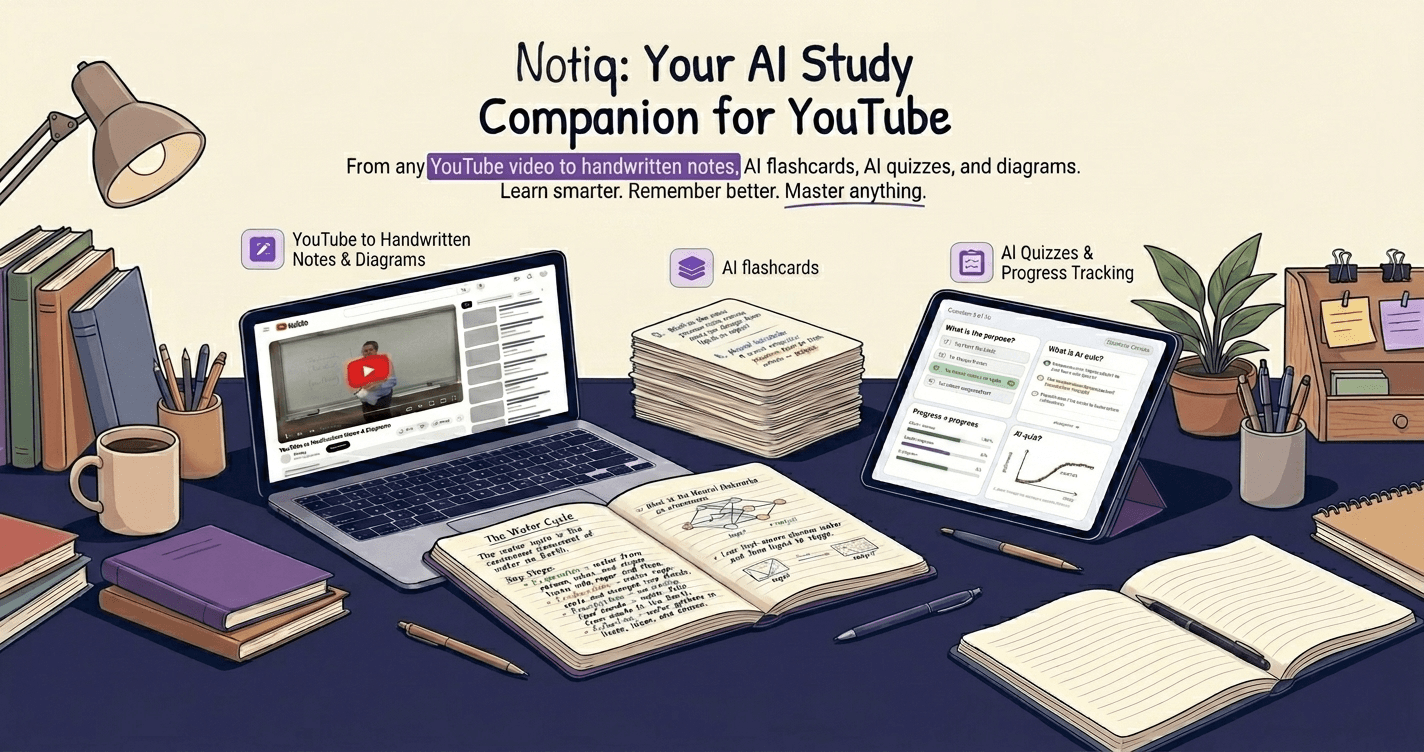
Notiq, for example, takes a YouTube lecture link or an uploaded PDF and generates structured chapter notes plus flashcard-ready question-answer pairs in under a minute, grounded in the actual source content rather than generic knowledge about the topic. The cards it produces are not a replacement for Anki's scheduling or Quizlet's practice-mode variety — they are a faster starting point that you then load into whichever review system you already use, including exporting to Anki-compatible CSV.
Where AI-generated cards are weaker: application questions that require exam-format familiarity, cards that need visual context (image occlusion still needs a human to select what to hide), and highly nuanced compare-and-contrast questions where subtlety matters. Treat AI-generated decks as a strong first draft — review every card, delete the weak or redundant ones, and add the application-style questions yourself before committing the deck to serious spaced-repetition review.
Head-to-Head Comparison
| Feature | Quizlet Free | Quizlet Plus | Anki | AI-generated (e.g. Notiq) |
|---|---|---|---|---|
| Price | Free | ~$8/mo (cheaper annually) | Free (iOS app: $24.99 one-time) | Free (2 lifetime note sets); Lite 12/mo for higher volume |
| Setup time | None | None | ~30 minutes | None |
| Card creation | Manual | Manual | Manual (or via add-ons) | Automatic from source material |
| Spaced repetition quality | Basic, proprietary | Basic, proprietary, uncapped | Rigorous (FSRS) | Depends on export target |
| Daily usage caps | Yes (Learn/Test mode) | No | No | Varies by plan |
| Image occlusion | No | No | Yes (free add-on) | No |
| Pre-made shared decks | Huge library, variable quality | Huge library, variable quality | Huge library (AnkiWeb) | N/A — generates from your material |
| Best for | Quick vocab sets, casual review | Quizlet users who hit daily caps | Medical/heavy visual subjects, long-term retention | Turning lecture videos or PDFs into a deck fast |
Which One Should You Actually Use?
Use Quizlet if: you are studying vocabulary, definitions, or a well-defined term list; you want zero setup time; you value the variety of practice modes (Match, Write, Test) for keeping review engaging; and your study sessions are short and casual rather than a multi-month spaced-repetition commitment.
Use Anki if: you are in a program with a long, cumulative syllabus (pre-med, nursing, a language you are learning for years, not a semester); you study anything requiring image occlusion; and you are willing to spend 30 minutes on setup in exchange for meaningfully better long-term retention scheduling.
Use an AI tool like Notiq if: most of your source material is YouTube lecture videos or PDFs rather than a term list you already have organized; you want a starting deck generated in minutes instead of typed by hand; and you plan to export or copy the result into whichever review system (Anki, Quizlet, or Notiq's own review mode) you actually use for ongoing spaced repetition.
The combination that works best for heavy course loads: generate a first-draft deck from lecture content with an AI tool, clean it up and add application-style cards manually, then review using Anki's FSRS scheduling for anything you need to retain for months, or Quizlet if the material is short-term (an upcoming quiz, not a cumulative final).
For the underlying science of why spaced review specifically — not just "reviewing a lot" — produces durable memory, see the science behind AI-generated flashcards. For card-design principles that apply no matter which tool you use, see how to make flashcards that actually stick.
Quizlet is a genuinely good tool for what it is built for — quick, low-friction vocabulary and definition review. It is not the ceiling of what flashcard-based studying can do, and for cumulative, high-stakes exam prep, pairing rigorous spaced repetition (Anki) with fast AI-assisted card creation closes both of Quizlet's real gaps at once.
Skip the manual card-typing step entirely. Try Notiq free at notiq.study — import a YouTube lecture or PDF and get a study-ready flashcard deck in minutes, exportable to Anki or reviewed directly in Notiq.