Google's NotebookLM (now integrated into the Google AI ecosystem as Gemini Notebook) is not the same product it was a year ago. It now accepts YouTube URLs directly as sources, and its Studio panel generates quizzes and flashcards from whatever you upload — two capabilities that put it in genuinely direct competition with a tool like Notiq, in a way that a general-purpose tool like Notion AI never was.
This comparison is honest about that overlap. NotebookLM is a strong, free, general-purpose research and study assistant. Notiq is a narrower tool purpose-built around one specific workflow: turning a YouTube lecture into a structured, exam-ready notebook. Here is where each one actually wins.
What NotebookLM Actually Does
NotebookLM is a source-grounded AI notebook: you add sources (PDFs, Google Docs, websites, audio files, and — as of a recent update — YouTube URLs), and it answers questions, summarizes, and generates study material using only what you have uploaded, with citations linking every answer back to a specific source. This grounding is a deliberate design choice: NotebookLM does not browse the web for its answers, which meaningfully reduces hallucination compared to a general-purpose chatbot.
The Studio panel is where the generation features live: Audio Overview (a genuinely well-received feature that turns your sources into a podcast-style conversation between two AI hosts), Mind Maps, Slide Decks, Infographics, and — the features most relevant to this comparison — Quizzes and Flashcards.
The free tier is generous: 100 notebooks, up to 50 sources per notebook, and 50 chat questions per day, with Audio Overviews and the other Studio features included at no cost. Paid tiers (Plus at roughly 20/month, Ultra at roughly $100/month) are bundled into broader Google AI subscription plans rather than sold as a standalone NotebookLM product, so the paid upgrade buys you a lot more than just NotebookLM if you are already in the Google ecosystem.
What Notiq Does
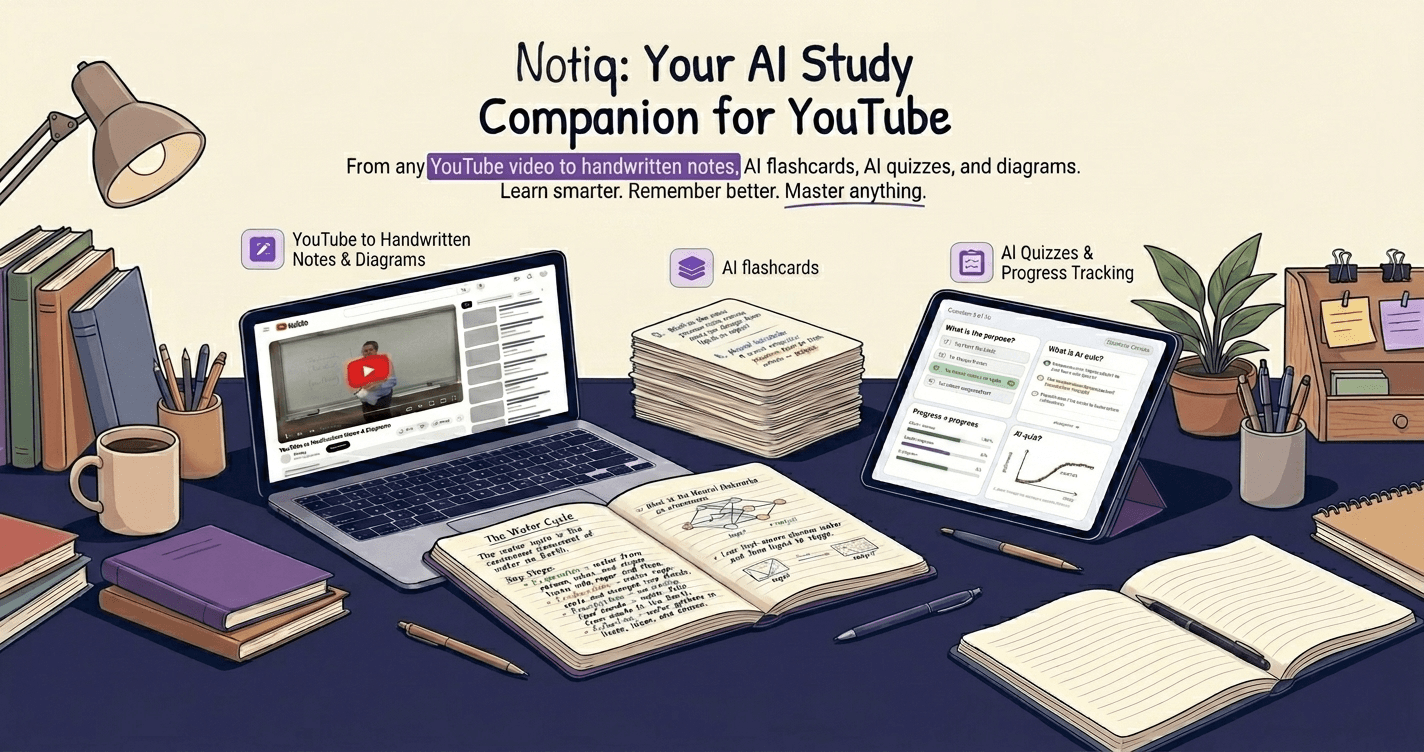
Notiq is purpose-built around a single workflow: paste a YouTube lecture link, get a structured notebook back — chapters, definitions, flashcards, and exam-style questions — designed for revision rather than reading, with the hand-drawn, notebook-style aesthetic that makes review feel less like using a productivity app.
The key structural difference from NotebookLM: Notiq downloads and processes the actual video, not just its caption transcript. This matters in two specific ways. First, videos without existing captions still work — Notiq falls back to its own transcription rather than depending on YouTube's caption data existing at all. Second, on the Solver tier, Notiq extracts hand-drawn diagrams and equations directly from the video frames (a lecturer's whiteboard work, for instance), which is content a transcript-only tool has no way to access at all, since it was never spoken aloud.
How Does YouTube Source Handling Actually Compare?
This is the question that matters most given both tools now support YouTube.
NotebookLM imports only the existing caption/transcript text when you add a YouTube URL — it does not transcribe the video itself. If a video has no captions, has captions disabled, or is very recent (recently uploaded videos are sometimes not yet available for import), NotebookLM cannot use it as a source at all. It also has no access to anything visual in the video — a lecturer's board work, diagrams, or on-screen equations are invisible to it, since it only ever sees text.
Notiq processes the video itself. Captions-available videos use the fast, cheap captions path; videos without captions fall back to Notiq's own transcription, so a wider range of source videos actually work. On paid tiers, visual frame extraction pulls hand-drawn diagrams and equations from the video directly — content that exists nowhere in a transcript, caption-based or otherwise.
Where NotebookLM has a real edge: it lets you combine a YouTube video with other source types — a PDF textbook chapter, lecture slides, a research paper — in the same notebook, and ask questions that draw on all of them together. Notiq's workflow is video-first and does not currently support blending a video source with an uploaded PDF in a single generation the way NotebookLM's multi-source notebooks do (though Notiq's separate PDF-based tools cover PDF sources independently).
Flashcards and Quizzes — Both Tools Do This Now
NotebookLM's Quiz and Flashcard generation, part of the Studio panel, produces question sets grounded in your uploaded sources with citations back to the source material. This is a genuinely useful, free capability that did not exist in NotebookLM's earlier versions.
Notiq's flashcards and exam questions are generated as a core part of every notebook, not a separate optional step, and integrate with built-in spaced repetition review — see the science behind AI-generated flashcards for why the scheduling matters as much as the card content itself. Notiq's cards can also export to Anki-compatible format for students who want FSRS-quality scheduling; see Anki vs RemNote vs AI alternatives for how that fits into a broader review system.
The practical difference: NotebookLM's flashcard generation is one Studio tool among several general-purpose options; Notiq's entire product is oriented around producing a complete, revision-ready deck plus structured notes from a single video in one pass, without needing to navigate a Studio panel and choose which output format you want.
Audio Overview: A Feature Notiq Does Not Have
Worth naming honestly: NotebookLM's Audio Overview — a generated podcast-style discussion of your sources between two AI hosts — is genuinely well-liked by users and has no equivalent in Notiq. For auditory learners, or for reviewing material during a commute without reading, this is a real capability gap in Notiq's favor for NotebookLM.
Note Structure and Study Design
NotebookLM's output across its various Studio formats (Mind Maps, Slide Decks, Infographics) is flexible and general-purpose — useful across research, work, and study contexts, not specifically optimized for exam revision.
Notiq's notebooks are opinionated by design: chapters, definitions, worked examples, and flashcards in a consistent structure every time, built specifically around what a student needs to review before an exam rather than a general-purpose research summary. For students who want a specific answer to "how do I study from this" rather than a toolkit of formats to choose between, this narrower design does more of the decision-making for you.
Pricing Comparison
NotebookLM's free tier (100 notebooks, 50 sources each, 50 questions/day, full Studio features including Audio Overview) is more generous in absolute terms than most competing tools' free tiers, and the paid tiers are bundled into broader Google AI subscriptions rather than sold standalone.
Notiq has a free tier with a lifetime note limit and paid tiers (Lite and Solver) starting at $4/month for students who need more monthly volume, longer videos, or the visual diagram extraction that NotebookLM's transcript-only approach cannot provide regardless of price. See notiq.study for current plan details.
Which Should You Actually Use?
Use NotebookLM if:
- Your source material mixes types — a video alongside PDFs, slides, or web pages you want combined in one place
- You want Audio Overview's podcast-style review format
- You are already using other Google AI products and want everything in one ecosystem
- Your source videos are captioned, recent-upload restrictions do not apply, and you do not need anything visual from the video frames
Use Notiq if:
- Your source video lacks captions and needs real transcription, not just caption import
- You want hand-drawn diagrams and equations extracted from the video's visual content, not just what was said aloud
- You want one consistent, exam-oriented notebook format every time rather than choosing between several general-purpose output types
- You are specifically preparing for exams like BAC, JEE, MCAT, or AP where Notiq's structured pipeline is purpose-built for the content depth those exams require
Use both if: your workflow genuinely spans both use cases — Notiq for deep, single-video exam-prep notebooks with visual content, NotebookLM for research-style work that spans multiple document types and benefits from Audio Overview's review format.
The Bottom Line
NotebookLM's recent YouTube and flashcard additions make it a legitimately strong free option for students, and its Audio Overview feature is genuinely distinctive. But it remains fundamentally a transcript-and-text tool — it does not download or visually process the video itself, which means captionless videos, very recent uploads, and any content that only exists visually (board work, diagrams, on-screen equations) are outside its reach regardless of how good its language-model reasoning is on the text it does have.
Notiq's narrower focus — actually processing the video, not just its transcript — is the trade-off for a tool that does one job (YouTube lecture to exam-ready notebook) more thoroughly than a general-purpose research assistant is built to.
See what Notiq extracts from a real lecture video that a transcript-only tool cannot. Try Notiq free at notiq.study — no credit card required to start.